AI Chat With Human Takeover: Why Hybrid Beats Legacy Bots
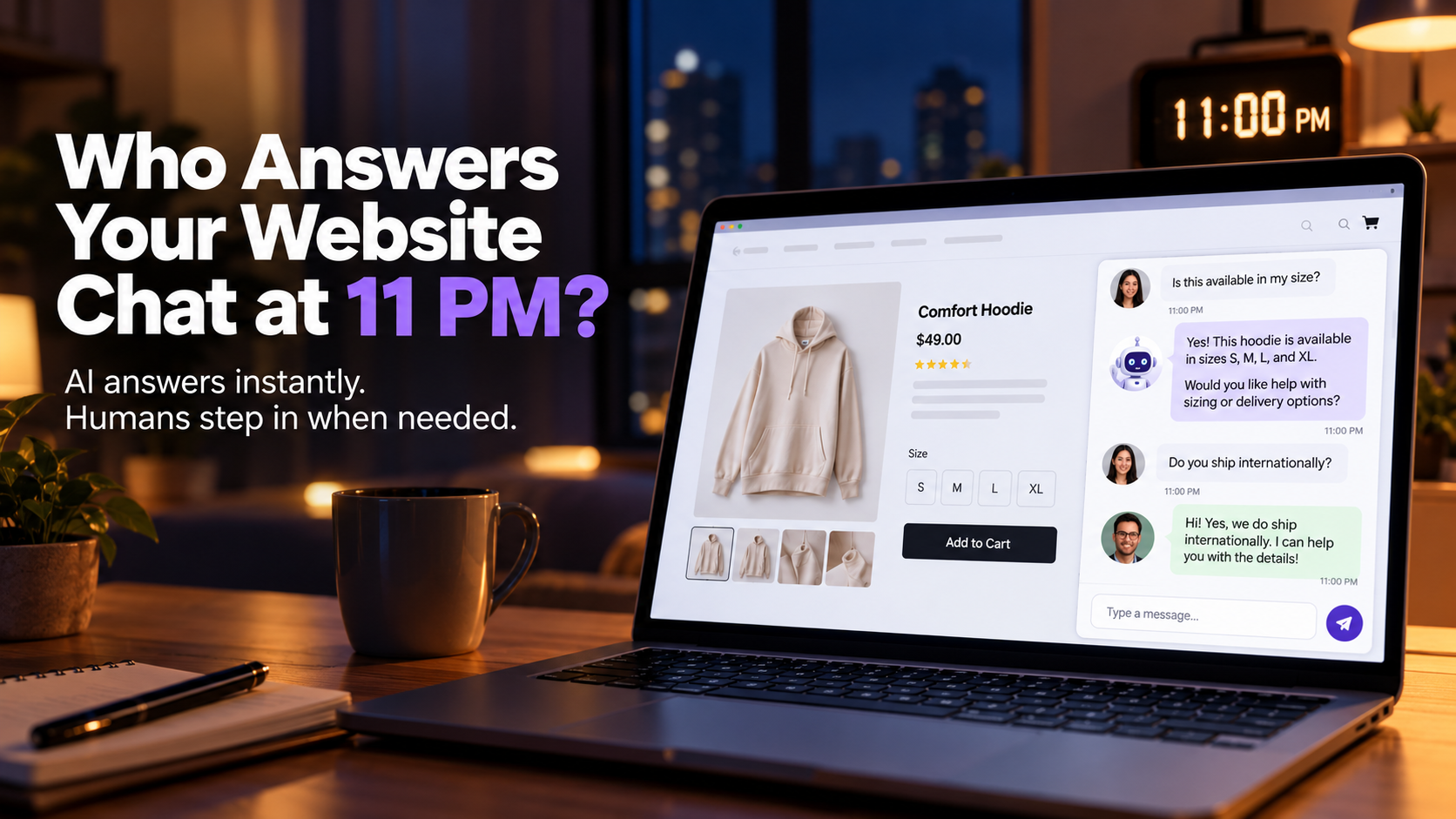
Customers do not wait for business hours. They land on your site at 11 PM, ask a real question, and leave if a bot says “I don’t understand” or a contact form sits empty until morning.
That gap is where leads cool off. Hybrid Reply closes it with a clear model: AI answers your customers. You take over when it matters.
Why Legacy Website Chatbots Lose Sales After Hours
Most legacy bots are fixed scripts. They handle “What are your hours?” and fail as soon as someone asks about a custom order, a refund edge case, or a promo that is not in the tree.
When that happens, shoppers feel ignored. Support wakes up to angry tickets. Marketing keeps paying for traffic that never converts. If you have ever wondered why website visitors leave without contacting your business, slow or useless chat is usually part of the answer.
What Hybrid AI Chat With Human Takeover Means
Hybrid chat is not “bot or human.” It is both, on purpose:
- AI replies instantly with answers trained on your business.
- You get alerted when a conversation needs judgment.
- Your human reply can teach the AI for the next similar question.
That loop is why hybrid systems improve over time instead of staying stuck on day-one rules. For the bigger picture on what happens when your business responds to leads 24/7, continuous coverage beats a form that waits until Monday.
Legacy Chatbots vs Hybrid Reply (Feature Comparison)
| Capability | Legacy chatbots | Hybrid Reply |
|---|---|---|
| Complex questions | Often “I don’t understand” | Brain-Sync learning from your business |
| Lead qualification | Basic form fields | Real-time intent analysis |
| Human takeover | Manual and slow | Instant agent alerts |
| Continuous improvement | Fixed rules | Learns from your replies |
See the full product breakdown on the Hybrid Reply features page, and how it fits your stack on integrations.
How to Launch Hybrid Reply on Your Site in Three Steps
Step 1: Sync Your Knowledge Base
Upload FAQs or connect the context your team already uses. The AI builds a custom intelligence profile so answers sound like your business, not a generic script.
Step 2: Deploy the One-Line Chat Widget
Copy and paste one line of code into your site header. It works with WordPress, Shopify, and similar platforms. No engineering sprint required.
Step 3: Monitor Chats and Teach the AI
Watch routine chats. When you step in, Hybrid Reply can memorize your answer for next time. That is how you avoid rewriting a giant decision tree every week.
If you are still deciding when a business should use AI instead of hiring another support agent, start with this install path first. Prove coverage, then expand headcount only where humans add the most value.
When AI Should Reply vs When a Human Should Take Over
Let AI handle
- Documented pricing and plan basics
- Shipping windows and store hours
- Integration questions already covered in your FAQ
- After-hours triage so the lead is not lost
Take over when
- The visitor is ready to buy and needs a human nudge
- The tone is emotional (complaint, cancellation risk)
- The case is unique or high value
- You want to close the deal live
For a deeper playbook, read when an AI agent should escalate a customer to a human. Pair that with AI lead qualification so your team spends time on high-intent chats first.
Q4 Use Case: Nights, Weekends, and Sales Spikes
Holiday and promo traffic do not arrive on a tidy 9–5 schedule. If chat goes dark at night, you train buyers to leave.
With Hybrid Reply live:
- AI greets and answers common questions instantly
- You get alerted when a chat needs a person
- Your reply becomes training for the next similar question
Before a sales spike, load your top FAQs, shipping and return policy, and promo rules. Review chats twice a day during peak. For chat design that moves people toward a sale, see how to build a website chat flow that moves visitors toward a sale.
Start Free: 50 AI Conversations a Month
Hybrid Reply is free forever for 50 AI conversations a month, enough for many sites to prove the channel before paying for volume. Compare plans on pricing, then sign up.
Go-live checklist
- Collect FAQs, pricing notes, and policy pages
- Install the one-line widget
- Test five real customer questions yourself
- Decide who gets takeover alerts
- Review the first 20 chats and correct weak answers so the AI learns
FAQs About Hybrid AI Chat
Is hybrid chat better than a contact form?
For many businesses, yes. Live conversation captures intent faster than a form that waits for email. Compare approaches in website chat vs contact forms.
Will AI replace my support team?
No. The goal is coverage and triage. Humans still own complex and high-value moments. See also how AI can help customer service teams spend more time on complex problems.
How fast can we go live?
Most teams can sync knowledge and deploy the widget in minutes. Check the FAQ for product details.
Next Step: Add Chat That Learns From Your Team
Customers expect instant answers. They also expect a human when the chat gets real. Pure bots fail the second need. Pure live chat fails the first after hours.
Hybrid Reply sits in the middle: AI for speed, human takeover for the moments that close the sale, and continuous learning so the next visitor gets a better answer.
Start free on Hybrid Reply or explore solutions for your use case.
Related reading
Want to upgrade your customer service?
Start your free trial of Hybrid Reply today.
Get Started Free